.svg)
It’s Monday morning. Your scanner dumped out a long list of critical findings, your compliance deadline is close, and nobody in the room can answer the question that matters most. Which of these issues can an attacker use to get in?
That’s why vulnerability assessment tools matter. They give you fast visibility into known weaknesses, missing patches, exposed services, and configuration mistakes. They also create a false sense of progress when teams treat a scan report like proof of security.
A vulnerability scan shows what looks vulnerable. A penetration test shows what an attacker can do with those weaknesses inside your environment. If your team still mixes up those two jobs, fix that first. Here’s a plain-English breakdown of what a vulnerability assessment actually covers.
This matters even more for SOC 2, PCI DSS, HIPAA, and ISO 27001. Auditors want evidence you’re checking systems consistently. Security leaders need prioritized findings, not a spreadsheet full of noise. Founders and IT managers need answers fast, especially when internet-facing systems can change from fine to exposed in a day.
If you have edge devices, public apps, or remote access gear on the internet, start there. This urgent Draytek security warning is a good reminder that annual scanning is not a strategy.
Use the tools in this list to find known issues quickly, improve patching discipline, and catch the obvious gaps before they turn into incidents. Then use human-led penetration testing to validate attack paths, cut false positives, and expose the business risk scanners miss.
Scanners find known problems. Human testers show you which ones can hurt you.
I’m not interested in vendor theater or oversized platforms that promise everything and slow your team down. This guide focuses on where each tool fits, where it falls short, and when you should stop buying more automation and pay for a manual test that gives you answers.
Tenable Nessus
Nessus is still the default answer for a reason. If you need a dependable host and network scanner without paying for a giant exposure management suite, this is one of the cleanest places to start.
It’s widely trusted, easy enough to deploy, and strong for internal and external vulnerability discovery. For most SMBs, that’s the right balance. You want coverage and useful reports, not a science project.
Where Nessus fits best
Nessus works well for security teams that need regular scanning, compliance-oriented checks, and a tool auditors already recognize. It’s especially practical when you need to explain what a vulnerability assessment actually is to stakeholders who confuse scanning with a penetration test.
The core strength is depth on known vulnerabilities. The plugin ecosystem is mature, and the reporting is straightforward enough that your ops team can act on it without turning every scan into a week-long review.
- Best for SMB infrastructure: Strong host and network visibility without forcing you into a full enterprise platform
- Good compliance support: Useful for environments working toward PCI DSS and similar audit requirements
- Easy to justify: Security buyers know the name, which helps when you need approval fast
Where Nessus falls short
Nessus Expert adds some web app scanning and external attack surface discovery, but that isn’t the same thing as a real web application penetration test. If your revenue depends on a customer-facing app, API, or portal, Nessus alone won’t tell you how an attacker chains flaws together.
It also won’t give you the human judgment you need when scan results pile up. That matters because high false positive rates waste time, and programs that don’t control noise end up teaching teams to ignore alerts.
Practical rule: Buy Nessus when you need fast, affordable scanning. Pair it with a manual pentest when the system actually matters.
If you want the tool, go straight to Tenable Nessus.
Rapid7 InsightVM
Your scanner finds a long list of issues on Monday. By Friday, half the list is stale, the tickets are stuck between security and IT, and nobody can say what got fixed. That is the problem InsightVM is built to solve.
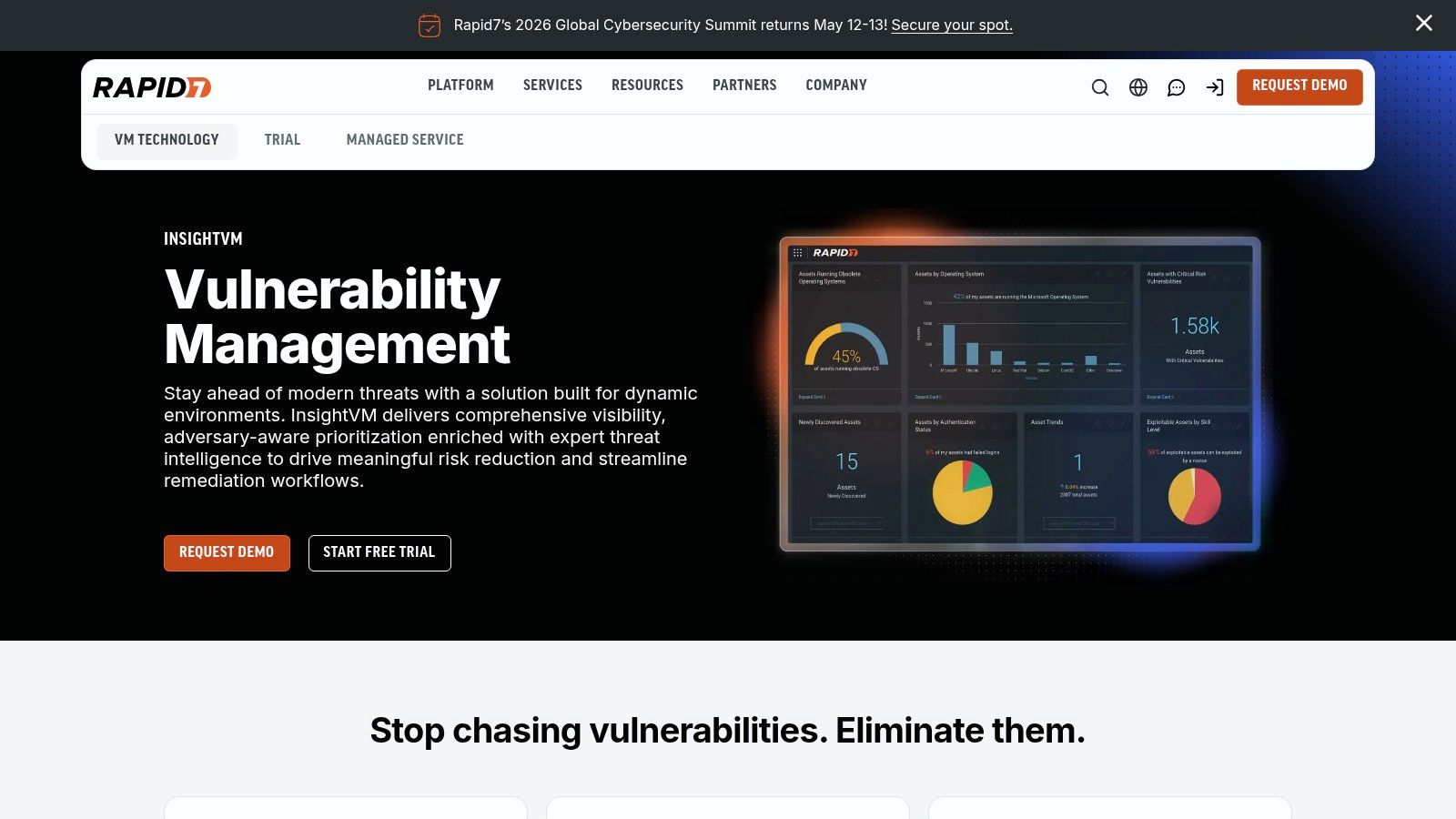
Rapid7 InsightVM fits teams that need vulnerability management to run like an operating process, not a quarterly fire drill. If you have hybrid infrastructure, asset churn, and remediation work spread across multiple owners, the platform gives you the structure to keep work moving.
Why teams buy InsightVM
InsightVM’s value is not just finding known vulnerabilities. Plenty of tools can do that. Instead, its value is tying discovery to ownership, prioritization, and remediation tracking so findings do not die in a report.
That makes it a strong fit for security teams that are trying to build disciplined vulnerability management workflows, not just collect scan data. The live dashboards are useful. The integrations matter more. If your team already works in ticketing systems and needs clear accountability, InsightVM is usually a better choice than a basic scanner.
- Built for remediation work: Better than lightweight tools at assigning, tracking, and closing findings
- Useful across mixed estates: Handles cloud assets, endpoints, and traditional infrastructure without forcing separate tools for every environment
- Stronger reporting for audits: Easier to show progress and ownership when compliance teams ask for evidence
Where it earns skepticism
InsightVM is easy to overbuy. Small teams often pay for workflow depth they never fully use, then end up with the same problem they had before. Too many findings, not enough validation, and no clear sense of what an attacker could exploit.
That is the limit of every automated vulnerability assessment tool, including this one. InsightVM can help you rank and route issues faster. It still cannot test business logic, prove exploit paths, or tell you how chained weaknesses would hold up in a real attack. If compliance, customer-facing systems, or sensitive internal apps are on the line, a manual penetration test is what closes that gap.
If you have the staff and process discipline to use it well, Rapid7 InsightVM is a strong platform. If you do not, buy something simpler and spend the saved budget on human testing that tells you what matters.
Qualys VMDR
Your team finishes a scan, exports a polished report, and still cannot answer the question that matters. Which of these findings can be used to get in? That is the ultimate test for Qualys VMDR, and for every tool in this category.
Qualys VMDR fits organizations that need asset discovery, vulnerability scanning, and patch workflows in one platform. It is a serious product for teams with regulated systems, audit pressure, and enough process discipline to use it properly. Small teams often buy it expecting instant clarity, then end up buried in findings and platform overhead.
Qualys earns its place because it covers a wide range of environments without forcing you into a narrow use case. It handles endpoints, servers, cloud assets, and containers well enough to give security and GRC teams a shared view of exposure. That matters if you are trying to standardize reporting across a messy estate instead of juggling separate point tools.
It also works best inside a program that follows vulnerability management best practices. Ownership, prioritization, validation, and remediation matter more than the scanner brand.
- Wide asset coverage: Useful for organizations that need more than a basic network scanner
- Strong fit for compliance-heavy environments: PCI and audit reporting are familiar territory for Qualys
- Good automation options: Worth paying for if your team already uses APIs and structured remediation workflows
Here is the part buyers miss. Qualys helps you find likely weaknesses at scale. It does not tell you how an attacker would chain them together, abuse business logic, or turn a low-level issue into a real compromise.
That is why automated vulnerability assessment tools should be your starting point, not your finish line. Use Qualys to get visibility, reduce obvious exposure, and prove coverage. Then bring in a manual penetration test to validate exploitability, check real attack paths, and give leadership something more useful than another long list of CVEs.
If you have the staff, process, and audit burden to justify it, Qualys VMDR is a strong choice. If you do not, buy a simpler scanner and spend the extra budget on human testing that tells you what is dangerous.
Microsoft Defender Vulnerability Management
If you already live in Microsoft, this is one of the easiest wins on the board. Microsoft Defender Vulnerability Management makes the most sense in Windows-heavy environments that already use Defender for Endpoint and related Microsoft security tooling.
That’s why so many teams like it. You’re not adding another disconnected console just to get basic exposure visibility. You’re extending what you already run.
Where MDVM delivers fast value
The appeal is speed. Software inventory, exposure analytics, misconfiguration assessment, and remediation guidance all show up where your team already works. That cuts friction, and friction is what usually kills security programs.
It’s especially practical for companies that don’t want to deploy another agent across an already managed fleet. If you’re standardized on Microsoft, MDVM feels efficient instead of disruptive.
Use this if your environment is mostly Microsoft and you want usable visibility fast. Skip it if your estate is mixed enough that coverage becomes uneven.
Where MDVM is limited
The tradeoff is obvious. If your infrastructure extends well beyond Microsoft, you can end up with blind spots or at least fragmented workflows. That’s not fatal, but it does mean you may still need another scanner or outside testing.
And again, endpoint visibility is not the same as a proper pen test. A scanner might flag a local issue. A human penetration tester checks whether that issue leads to privilege escalation, lateral movement, or compromise of regulated data.
- Great fit for Microsoft estates: Best value when you already pay for the surrounding stack
- Low operational friction: Easier rollout than many standalone platforms
- Less ideal for mixed fleets: Coverage and consistency can suffer outside the Microsoft ecosystem
If your stack already points this direction, look at Microsoft Defender Vulnerability Management.
CrowdStrike Falcon Spotlight
A lot of teams buy Falcon Spotlight for one simple reason. They already run CrowdStrike on every endpoint, and they want vulnerability data without setting scan windows, chasing credentials, or babysitting another console.
That makes sense. If Falcon is already your operational center, Spotlight gives you fast endpoint visibility with very little extra work. Your SOC can spot exposed software, route fixes, and keep remediation tied to the same platform your team uses every day.
Why Spotlight earns a spot
Spotlight is strongest in endpoint-focused environments where agent coverage is already high and the security team wants speed. You are not building a separate scanning program from scratch. You are adding vulnerability context to an existing endpoint workflow, which usually means faster action and less tool fatigue.
That efficiency is the core value here. Security teams waste plenty of time exporting findings from one product, translating them for another team, then arguing about ownership. Spotlight cuts a lot of that nonsense if Falcon already has broad deployment across laptops, servers, and managed workstations.
- Best fit for Falcon-first teams: The value shows up fast when the agent is already deployed widely
- Good operational speed: Findings stay close to the people responsible for endpoint response
- Lower setup burden: You avoid standing up a separate endpoint scanner just to get basic visibility
Where Spotlight falls short
Spotlight only sees what the agent sees. Unmanaged devices, unsupported assets, isolated systems, shadow IT, and parts of your network outside the Falcon footprint can disappear from view. That is a serious limitation, not a minor gap.
It also does not answer the bigger question executives and auditors eventually ask. Can an attacker chain these weaknesses into real access, privilege escalation, lateral movement, or data exposure? Automated tooling helps you find probable issues. A human tester shows you which ones actually matter. If you need that distinction, read this guide on vulnerability scanning vs penetration testing.
Use Falcon Spotlight as your first pass, not your finish line. It is a practical add-on for Falcon customers. It is not a substitute for network testing, external attack surface review, or an affordable manual penetration test when you need proof of real-world risk or compliance-ready validation.
For teams already committed to the CrowdStrike stack, CrowdStrike Falcon Spotlight is a sensible add-on.
Greenbone OpenVAS and Community Edition
Your budget gets cut, the vulnerability backlog keeps growing, and nobody wants another five-figure scanner contract. That is the kind of situation where Greenbone OpenVAS earns a spot on the shortlist.
It gives you real scanning without locking you into an expensive platform. That matters for small security teams, internal IT groups, labs, and companies trying to build a baseline program before they spend more. The tradeoff is simple. You save cash, but your team has to do more of the setup, tuning, and ongoing care.
Why OpenVAS still makes sense
OpenVAS is a practical choice when you want control. You can run it yourself, shape it to your environment, and avoid paying for features your team will never use. For organizations that hate vendor lock-in, that alone is a strong reason to consider it.
There is also a long history behind it. OpenVAS has been part of the established vulnerability scanning field for years, which is why security teams still use it for testing environments, pilot programs, and cost-conscious production setups.
Where free starts costing you
The software may be free. Your time is not.
Open-source scanners demand staff hours. Someone has to maintain the system, review findings, tune scan policies, cut false positives, and decide what deserves immediate action. If your team is already stretched thin, the low sticker price can turn into slow remediation and stale reports.
That is also where teams get confused about what a scanner can prove. OpenVAS can identify likely weaknesses. It cannot show whether those weaknesses lead to domain compromise, data access, privilege escalation, or a failed audit. If you need that distinction, read this guide on the difference between vulnerability scanning and penetration testing.
Reality check: OpenVAS is a solid budget scanner. It does not replace a skilled tester who can validate risk, show exploit paths, and give you evidence that stands up in compliance reviews.
Use Greenbone when cost control matters and your team can operate the tool properly. If you need fast answers about real attack paths, compliance evidence, or business impact, pair automated scanning with a manual penetration test instead of pretending the scanner is the whole job. Start at Greenbone products.
ManageEngine Vulnerability Manager Plus
A lot of SMBs do not need another oversized security platform. They need a tool that finds problems on endpoints, helps rank what matters, and gives IT a direct path to fix it. That is where ManageEngine Vulnerability Manager Plus earns its place.
It fits companies that are still building discipline around patching and exposure management. If the same team handles desktop support, endpoint admin, and security tasks, that matters.
Why it works for lean teams
ManageEngine keeps the workflow practical. You can scan endpoints, prioritize findings, and push patches from the same platform instead of bouncing between separate products and manual spreadsheets.
That makes it a good fit for endpoint-heavy environments with Windows, macOS, and Linux systems under one roof. You get useful coverage without the cost and admin burden that come with larger enterprise suites.
- Good fit for SMB operations: Strong choice for teams that want usable vulnerability assessment tools without paying for features they will never use
- Remediation built in: Helpful when discovery and patching sit with the same admins
- Straightforward to run: Easier to set up and maintain than broader platforms aimed at large enterprises
Where the tool hits its limit
ManageEngine is strongest on hygiene and endpoint remediation. If you need deep cloud posture analysis, advanced application testing, or proof of real attack paths across the environment, this will not get you there.
That distinction matters. Automated vulnerability assessment tools are your first pass. They tell you what is probably exposed. They do not show how an attacker would chain those issues together, what data is reachable, or whether a control that looks good on paper fails under pressure. For that, use the scanner to clean up the obvious issues, then bring in a manual penetration test to validate real risk and produce evidence that stands up in audits and buyer due diligence.
If your immediate problem is operational backlog, ManageEngine is a sensible buy. If your real problem is proving security, validating exploitability, or passing a serious compliance review, a scanner alone will leave gaps. Start with ManageEngine Vulnerability Manager Plus.
GFI LanGuard
GFI LanGuard has been around for years, and it still fills a useful role. If you want vulnerability assessment plus patch management in a smaller Windows-heavy environment, it’s a straightforward option.
This is not the tool you buy to impress a board. It’s the tool you buy when you want to get control of machines, missing patches, and basic audit reporting without paying enterprise prices.
Why LanGuard still makes sense
The strength here is simplicity. You can scan nodes, audit software, identify missing patches, and push remediation from one workflow. For smaller IT teams, that’s often enough.
It also helps when the same person handling vulnerability management is also handling endpoint admin, user issues, and compliance paperwork. That’s real life in a lot of SMBs.
- Good all-arounder for smaller teams: Covers enough ground without overwhelming admins
- Patch-first mindset: Useful when missed patching is the main problem
- Approachable licensing: Easier to budget than sprawling platform contracts
Where it shows its age
Large, diverse environments will eventually hit the ceiling. If you’re heavily cloud-native, container-focused, or trying to unify multi-cloud risk, this isn’t the answer.
And if you need proof of real-world exploitability for compliance or investor due diligence, you’ll still need a pen test. Vulnerability assessment tools flag known issues. Penetration testing shows whether someone can pivot through your environment.
If your needs are basic and your budget is tight, GFI LanGuard is still worth a look.
Amazon Inspector
Your team ships everything in AWS. An alert hits. You need answers fast, not another security platform that takes months to configure and another contract to justify. Start with Amazon Inspector.
Amazon Inspector makes sense for AWS-first companies because it stays close to the assets you already run. It scans EC2, container images, Lambda, and code repositories without forcing your team into a separate scanner workflow from day one.
Why it works for AWS-heavy teams
The biggest advantage is speed. You can turn on native coverage inside the environment your engineers already know, then push findings into the rest of your AWS operations process.
That usually means fewer excuses and faster fixes.
Inspector is a practical first layer for teams that want to identify known issues in cloud workloads without buying a bigger platform too early.
- Strong fit for AWS-native stacks: Best for companies running most of their infrastructure inside Amazon
- Less operational drag: Easier to adopt than a separate enterprise scanner for one cloud environment
- Useful continuous visibility: Helps catch exposed packages, image issues, and workload findings as the environment changes
Where it falls short
Inspector is still an automated vulnerability assessment tool. It tells you what it can detect from known signals. It does not tell you how an attacker would chain those weaknesses together, abuse business logic, or move across your environment.
That gap matters for real security work. It also matters for compliance. If you need evidence of exploitability, validation of segmentation, or testing of internet-facing paths, a manual penetration test gives you answers Inspector cannot.
It also gets weaker as your environment gets messier. Multi-cloud estates, on-prem systems, custom applications, and external attack paths all push you beyond what a native AWS scanner should handle on its own.
Use Inspector as the first step. Then decide where you need human testing.
For AWS-centric teams that want fast coverage without extra tooling overhead, Amazon Inspector is an easy yes.
Cisco Vulnerability Management
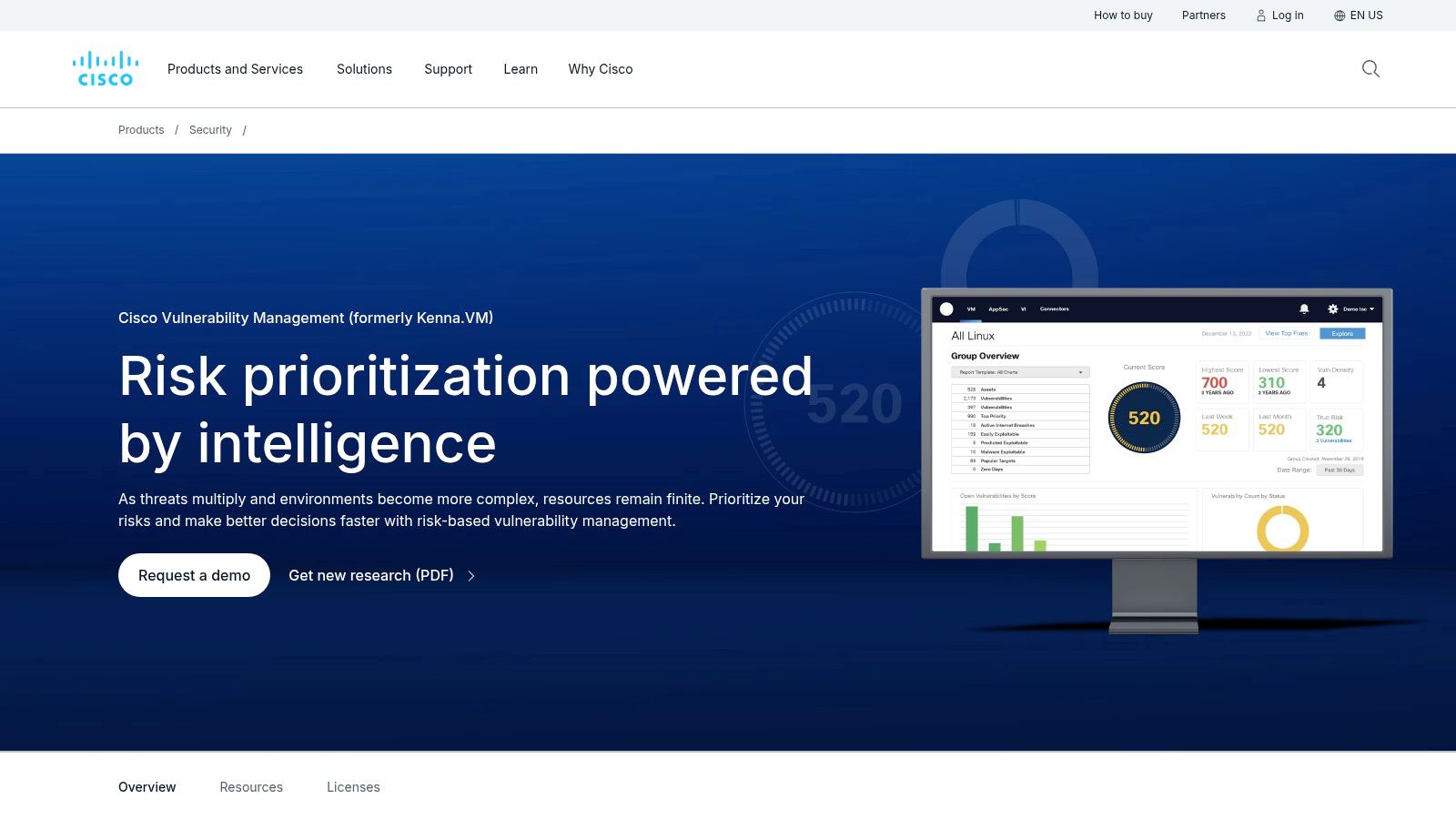
Cisco Vulnerability Management, formerly associated with Kenna Security, is a prioritization layer more than a scanner. That distinction matters. If you buy this expecting it to discover everything on its own, you’re buying the wrong tool.
What it does well is aggregate findings from other scanners, enrich them with threat intelligence, and help teams focus on what deserves action first. That’s valuable in bigger programs drowning in data.
Why enterprises use it
If your security team already runs multiple scanners, this kind of consolidation can reduce chaos. It helps leadership see risk in one place and gives operations teams a cleaner way to prioritize fixes.
That matters because not every critical CVE deserves the same urgency on every asset. Context matters. Asset value matters. Exposure matters.
- Good for multi-tool environments: Best when you already have scanners and need smarter prioritization
- Useful executive reporting: Better for risk rollups than raw scanner consoles
- Process friendly: Helps align security, IT, and leadership on fix priorities
What buyers need to verify
Check roadmap and availability carefully. The product history and naming shifts mean you should validate exactly what you’re buying and how it fits your existing stack.
Also, remember what this tool is not. It is not a scanner and it is not a substitute for a penetration test. It can help you decide where to focus. It cannot prove exploitability.
If cross-tool prioritization is your real problem, review Cisco Vulnerability Management.
Top 10 Vulnerability Assessment Tools Comparison
| Product | ✨ Key features | ★ Quality | 💰 Pricing / value | 👥 Target audience | 🏆 Unique strength |
|---|---|---|---|---|---|
| Tenable Nessus | Large plugin feed; host/network scans; compliance templates; Nessus Expert 5 FQDN web scans | ★★★★ reliable host VA | 💰 SMB‑friendly per‑license; good ROI | 👥 SMBs, startups, internal network teams | 🏆 Gold‑standard host vulnerability assessment |
| Rapid7 InsightVM | Agent + agentless scanning; Active Risk prioritization; ITSM workflows; live dashboards | ★★★★ mature dashboards & workflows | 💰 Scales with assets (quote) | 👥 SecOps + IT teams; mid→large orgs | 🏆 Threat‑aware prioritization + remediation projects |
| Qualys VMDR | Unified asset inventory, VM, patch orchestration; multi‑sensor support; TruRisk | ★★★★ broad, enterprise coverage | 💰 Quote/bundled pricing | 👥 Enterprises, regulated environments | 🏆 Strong API, PCI workflows & scale |
| Microsoft Defender VM | Real‑time agent exposure analytics; Defender integration; misconfiguration checks | ★★★★ native MS telemetry | 💰 Best value with M365 E5; add‑ons possible | 👥 Windows‑heavy orgs, M365 E5 customers | 🏆 Near‑real‑time endpoint visibility in MS stack |
| CrowdStrike Falcon Spotlight | Scanless EDR‑driven vuln insights; Falcon Fusion automation; frequent refresh | ★★★★ fast detection‑to‑ticketing | 💰 Add‑on / quote | 👥 Falcon customers, SecOps teams | 🏆 Scanless continuous endpoint exposure via EDR |
| Greenbone OpenVAS (CE) | Open‑source GVM/OpenVAS; community + enterprise feeds; APIs & container deploy | ★★★ practical but DIY | 💰 $0 community; paid commercial support | 👥 Cost‑conscious teams, labs, SMBs | 🏆 Free community edition & extensibility |
| ManageEngine Vulnerability Manager Plus | VM + built‑in patch management; agent coverage; remediation automation; free tier | ★★★ endpoint‑centric simplicity | 💰 Cost‑effective; free limited edition | 👥 SMBs needing scan→patch workflow | 🏆 Integrated patch automation for SMBs |
| GFI LanGuard | Agent/agentless scans; patch detection & remediation; software audit; per‑node license | ★★★ pragmatic for Windows | 💰 Per‑node pricing, approachable | 👥 Small Windows‑centric environments | 🏆 Simple node‑based licensing + patching |
| Amazon Inspector | AWS‑native continuous assessment for EC2/ECR/Lambda; SBOM export; Security Hub/EventBridge | ★★★★ strong AWS integration | 💰 Metered by covered resource hours | 👥 AWS‑first teams, cloud-native apps | 🏆 Native AWS automation & contextual findings |
| Cisco Vulnerability Management (Kenna) | Aggregates scanner data; risk meters, SLAs; Talos threat enrichment; API integrations | ★★★★ executive risk clarity | 💰 Quote‑based; validate availability | 👥 Orgs consolidating multiple scanners | 🏆 Cross‑tool prioritization with Talos intel |
Final Thoughts
It’s Friday afternoon. Your scanner dashboard is full of red, your compliance deadline is close, and leadership wants a simple answer. Are we exposed, or are we just staring at another pile of alerts? That’s the point where a lot of companies realize they bought coverage, not clarity.
Vulnerability assessment tools still matter. They give you broad visibility into known flaws, missing patches, weak configurations, and exposed assets across a large environment. They help security teams keep up with routine hygiene. They help IT teams organize remediation. They help compliance teams show that scanning is happening on a schedule.
What they do not give you is proof of real-world risk.
A scanner will flag CVEs. A good pentester will show you how an attacker gets from one overlooked issue to domain access, sensitive data, or payment systems. A scanner will list findings by severity. A human tester will tell you which ones are exploitable in your environment, what the business impact looks like, and what to fix first.
That difference matters most when money is tight and expectations are high. Startups and SMBs waste too much budget on oversized platforms, fancy dashboards, and features nobody has time to configure well. Buy the scanner that fits your stack and your team. Then spend the rest on manual testing that answers the questions executives, auditors, and customers care about.
Use this rule:
- Use scanners for coverage: Find known issues across infrastructure, endpoints, cloud assets, and applications
- Use manual pentesting for validation: Confirm exploit paths, attacker behavior, business impact, and realistic remediation priorities
- Use both for compliance: Scanning supports ongoing control checks. Penetration testing provides stronger evidence for due diligence, audits, and customer review
AI features deserve the same treatment. Use them if they speed up triage or reduce noise. Do not treat them as a substitute for human testing. AI can sort findings faster. It cannot reliably judge business logic abuse, chained attacks, weak operational practices, or the difference between a noisy alert and a breach path that matters.
The product choice is straightforward. Nessus is the practical default for many SMBs. InsightVM and Qualys fit larger programs that need more workflow and reporting depth. Microsoft Defender Vulnerability Management and Falcon Spotlight make sense if you already run those ecosystems. OpenVAS works for teams with time and technical patience. ManageEngine and GFI LanGuard are sensible picks for smaller endpoint-heavy environments. Amazon Inspector is the right call for AWS-first shops. Cisco Vulnerability Management is useful when your bigger problem is prioritizing findings from multiple tools.
Then do what too many teams skip. Get a real penetration test.
If your current provider is slow, expensive, and vague, replace them. Security testing should tell you what is exploitable, what to fix this week, and what can wait. That is the standard.
If you need more than a scanner, Affordable Pentesting gives startups, SMBs, and regulated teams fast, affordable pentest, pen testing, penetration test, and penetration testing services for SOC2, PCI DSS, HIPAA, and ISO 27001 needs. Their certified pentesters, including OSCP, CEH, and CREST professionals, deliver real findings and practical reports within a week. If you’re tired of overpaying for slow security assessments with little value, use the contact form and get a quote that makes sense.