.svg)
Keeping your business secure feels like a full-time job because it is. New assets show up, old systems stick around, and every scanner promises visibility, prioritization, and cleaner reports than the last one. If you're an IT manager, CISO, compliance lead, or founder, you're probably already using some form of automated scanning and still wondering why the backlog keeps growing.
That frustration is normal. Vulnerability scanning tools are built to inventory assets, compare them against known vulnerability databases such as CVEs, classify weaknesses, and generate remediation reports as part of a repeatable process, which is why they're a standard control for recurring checks across networks, applications, hosts, and cloud environments according to Splunk's overview of vulnerability scanning. They are a great first step.
They are not the finish line.
Scanners produce noise. They miss business logic flaws. They miss chained attacks. They also depend heavily on scope, credentials, and how well your environment is mapped. If you've ever closed a scanner finding and still felt exposed, your instincts were right. That gap is why many teams pair automation with manual validation and offensive testing, and why roles focused on vulnerability management stay busy across IT and security teams, as reflected in nexus IT group's job descriptions.
Tenable Nessus Review
A common scenario. You need a scanner deployed this week, your auditor expects recognizable output, and your team does not have time to babysit a complicated platform. Nessus fits that job.
It has been around for decades, and Tenable positions it as its long-running vulnerability assessment product in the Tenable Nessus product overview. That history matters. Security teams know how to run it, consultants know how to read it, and it handles authenticated and unauthenticated scans without forcing you into a larger program first.
Where Nessus Fits Best
Nessus is a good buy for lean IT and security teams that want fast infrastructure visibility. It works well for servers, endpoints, internal networks, and routine compliance checks where the goal is simple. Find known issues, export a report, assign fixes, repeat on schedule.
Its strength is coverage of known technical flaws and misconfigurations. Its weakness is context. Nessus will not tell you whether a low-severity finding becomes dangerous when combined with weak access control, exposed admin paths, or a broken business process. That is why scanner output still needs human validation, especially for internet-facing systems and audit-heavy work such as Affordable Pentesting for SOC 2 compliance.
Buy Nessus if you want a dependable scanner, not a full vulnerability management stack.
- Best use case: Scheduled internal and external infrastructure scans
- Strong point: Mature plugin coverage and reports that security teams already understand
- Watch out for: Shallow web application testing compared with dedicated app security tools
Practical rule: Use Nessus to catch known weaknesses fast, then confirm real-world exposure with external penetration testing services.
Tenable Vulnerability Management Review
Tenable Vulnerability Management is what you buy when Nessus alone starts feeling too small. It gives you centralized cloud management, broader visibility, and better day-to-day operations for teams that have more than one office, more than one scanner, or more than one person touching remediation.
This is the better Tenable choice if you need continuous visibility instead of point-in-time snapshots. It's also a cleaner fit for hybrid environments where some assets live on-prem and others don't sit still long enough for old-school scanning habits.
Why Teams Upgrade From Nessus
The appeal here is control. You get cloud-based dashboards, agent and scanner options, and a single place to see what's exposed across a wider estate.
That matters because attack-surface drift is now the primary problem. Modern scanning programs need to keep up with cloud assets, containers, code, and external exposure, not just a static subnet, which is why guidance in IONIX's take on vulnerability scanning tools pushes teams to focus on continuous discovery and prioritization tied to changing environments.
- Choose this if: You need one view across distributed assets
- Skip it if: You only want a standalone scanner and basic reporting
- Big limitation: It still won't replace a real pen test or penetration test when you need human validation
Rapid7 InsightVM Review
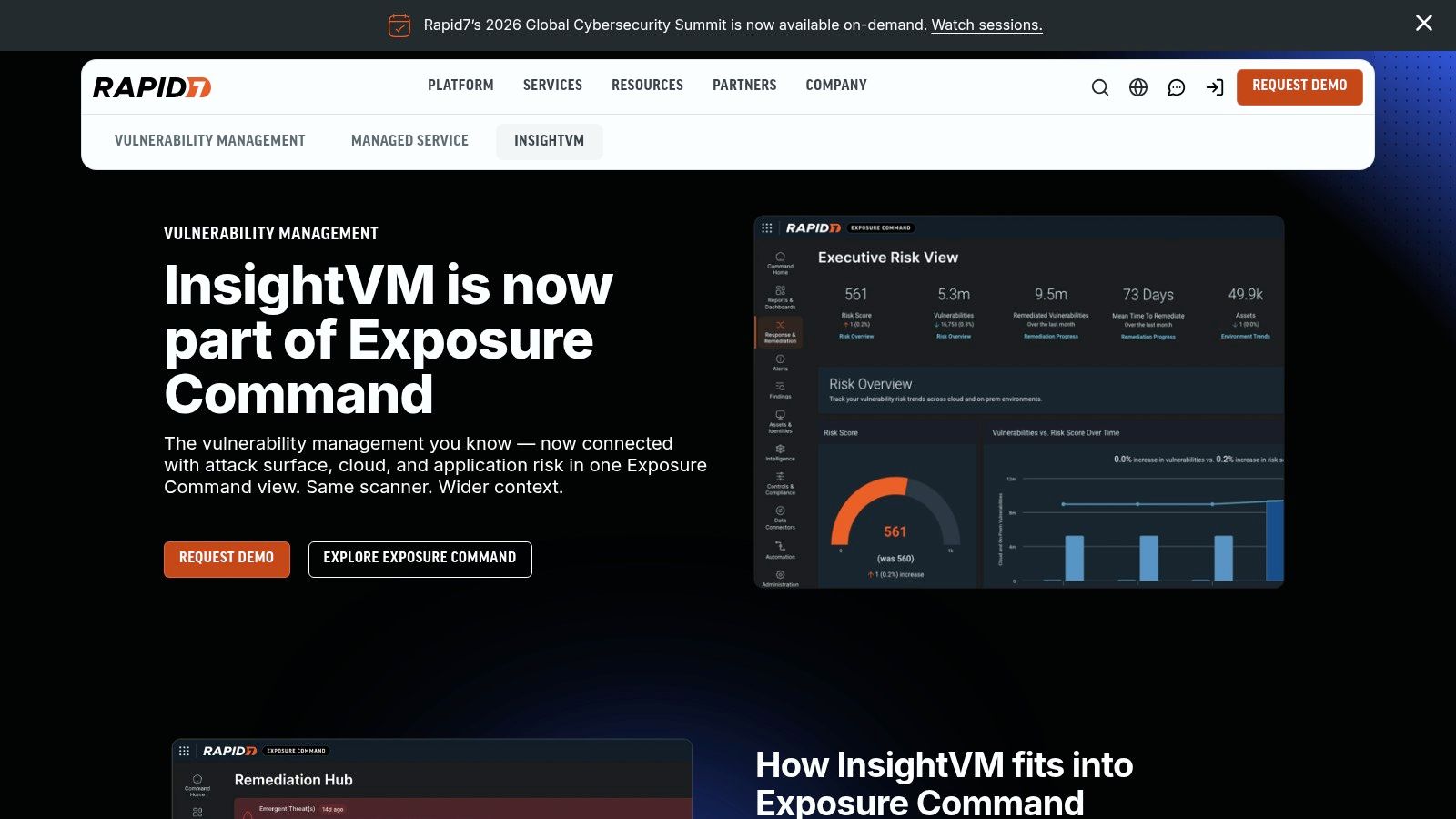
Your team runs scans, gets a long list of findings, then spends the next week arguing over ownership. InsightVM exists for that problem.
Rapid7 InsightVM is a better fit for teams that need remediation tracking as much as detection. It brings scanning, prioritization, and ticket-driven follow-through into one platform, which makes it more useful than a basic scanner for busy IT and security teams.
Rapid7 positions InsightVM as part of its broader exposure management stack, not just a standalone scanner, in the Rapid7 InsightVM product overview. That distinction matters. Buyers looking at InsightVM are usually trying to run an ongoing program, not just fire off occasional scans and export reports.
Best For Teams That Need Remediation Discipline
InsightVM is strongest when the primary bottleneck is operational. If vulnerabilities keep piling up because nobody knows what to fix first, who owns the ticket, or whether the issue is truly closed, this platform helps impose order.
It also works well for compliance-driven environments where audit evidence, asset context, and remediation status need to stay visible without constant spreadsheet work.
That said, don't mistake process for proof. InsightVM can tell you what looks exposed and help your team work through the backlog. It still cannot confirm exploit paths, business logic flaws, chained attack scenarios, or whether a “critical” finding is reachable in your environment. That is where fast, affordable manual pentesting earns its keep. Use the scanner to narrow the field, then use humans to validate what matters.
If you also need evidence for control reviews, pair scanner output with Affordable Pentesting for SOC 2 compliance.
InsightVM improves prioritization and remediation workflow. It does not replace a real penetration test when you need human validation.
Qualys VMDR Review
Qualys VMDR is built for scale. If you manage a large hybrid fleet and want inventory, scanning, prioritization, and patch-related workflow in one cloud-native platform, Qualys belongs on your shortlist.
It's not the simplest product on this list, but that complexity exists for a reason. Teams buy Qualys when they need broad sensor coverage and centralized visibility across lots of systems, not when they want the fastest possible setup for one subnet.
Where Qualys Earns Its Price
Qualys is strongest in organizations that already think in terms of program maturity, not just tooling. You're not buying a scanner. You're buying an operating layer for vulnerability management.
That matters because the market is still split by scan type. Network-based vulnerability scanners account for nearly 55% adoption, while application-layer scanners contribute about 45% usage in the broader market, according to Business Research Insights on vulnerability scanner software. Qualys works well when you understand you'll likely need more than one scanning approach anyway.
- Best use case: Large endpoint and server fleets with centralized oversight
- Strong point: Broad hybrid coverage and mature compliance content
- Weak point: Heavier console and planning overhead than simpler tools
Microsoft Defender Vulnerability Management Review
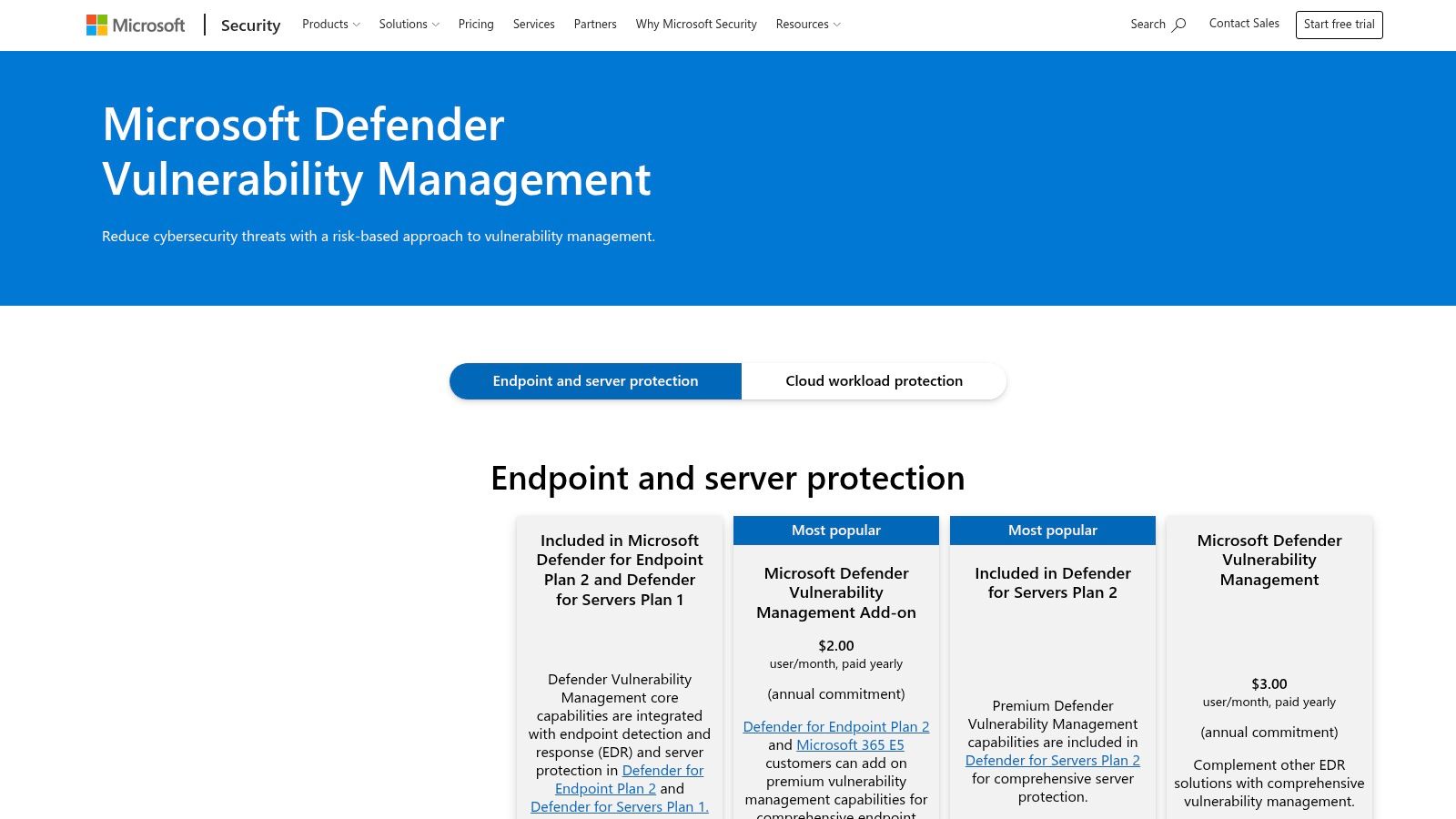
If your estate is heavily Microsoft, stop overcomplicating this. Microsoft Defender Vulnerability Management is the obvious first look. It fits naturally with Defender for Endpoint, Intune, and the rest of the Microsoft stack, so deployment friction is lower than with many standalone products.
That's the whole pitch. Less tool sprawl, fewer agents to debate, and a more natural handoff between exposure data and endpoint remediation.
The Real Tradeoff
This is not your best choice if you want deep standalone network scanning or broad independent coverage across very mixed environments. It shines when Windows, Microsoft 365, and Microsoft security tooling already dominate your operations.
For those teams, the value is operational simplicity. For everyone else, it can feel too ecosystem-bound.
- Pick it when: You're already invested in Microsoft security controls
- Avoid it when: You need vendor-neutral depth across diverse platforms
- Remember: Native integration is useful, but it still won't replace manual penetration testing for web apps, external exposure, or attacker path validation
CrowdStrike Falcon Spotlight Review
Falcon Spotlight is attractive for one simple reason. If you already run Falcon, you can add vulnerability visibility without standing up a separate scanning world. That's efficient, especially for lean security teams.
Its strength is near-real-time exposure insight through the existing agent. You're not waiting on scheduled scans to tell you what changed on an endpoint.
What It Does Not Replace
CrowdStrike customers usually like Spotlight because it reduces overhead. That's real value. But it's still agent-driven visibility, not a full replacement for network scanning, external attack-surface review, or dedicated web application testing.
So use it for what it is. It's a strong add-on inside the Falcon ecosystem, not a universal answer.
If you already trust Falcon for endpoint security, Spotlight is the fastest path to vulnerability visibility. Just don't pretend endpoint visibility equals full exposure coverage.
Amazon Inspector Review
Your team pushes a new container image on Friday, a Lambda function changes on Saturday, and by Monday morning you need to know what exposed risk showed up in AWS. Amazon Inspector fits that job well. It gives AWS-heavy teams fast visibility into EC2, ECR container images, Lambda, and code repositories without forcing a separate scanning stack on day one.
That convenience is the main reason to buy it. If your infrastructure already lives inside AWS, Inspector is one of the fastest ways to add automated vulnerability checks with native integration into the environment your team already uses.
Where Amazon Inspector Fits
Inspector works best as an AWS-native coverage layer, not as your whole testing strategy. The moment your environment includes significant assets outside AWS, coverage gets fragmented and reporting gets messier. You end up stitching together findings across tools, which slows triage and muddies priorities.
It also has the usual scanner limit. It finds known issues and misconfigurations, but it does not validate real attack paths, chained weaknesses, or app-specific abuse the way a human tester can. If those workloads handle customer data, revenue-critical workflows, or public-facing applications, pair Inspector with pentesting for web applications.
AWS keeps expanding security checks across its cloud services, which reinforces the broader shift toward built-in, cloud-native scanning, as described in the Amazon Inspector service documentation. That shift helps with speed and coverage. It does not remove the need for targeted manual testing.
- Best use case: AWS-first teams running EC2, containers, and Lambda at scale
- Strong point: Fast setup and tight integration with native AWS services
- Weak point: Weak choice as your only scanner, especially in mixed environments or high-risk applications
Acunetix Review
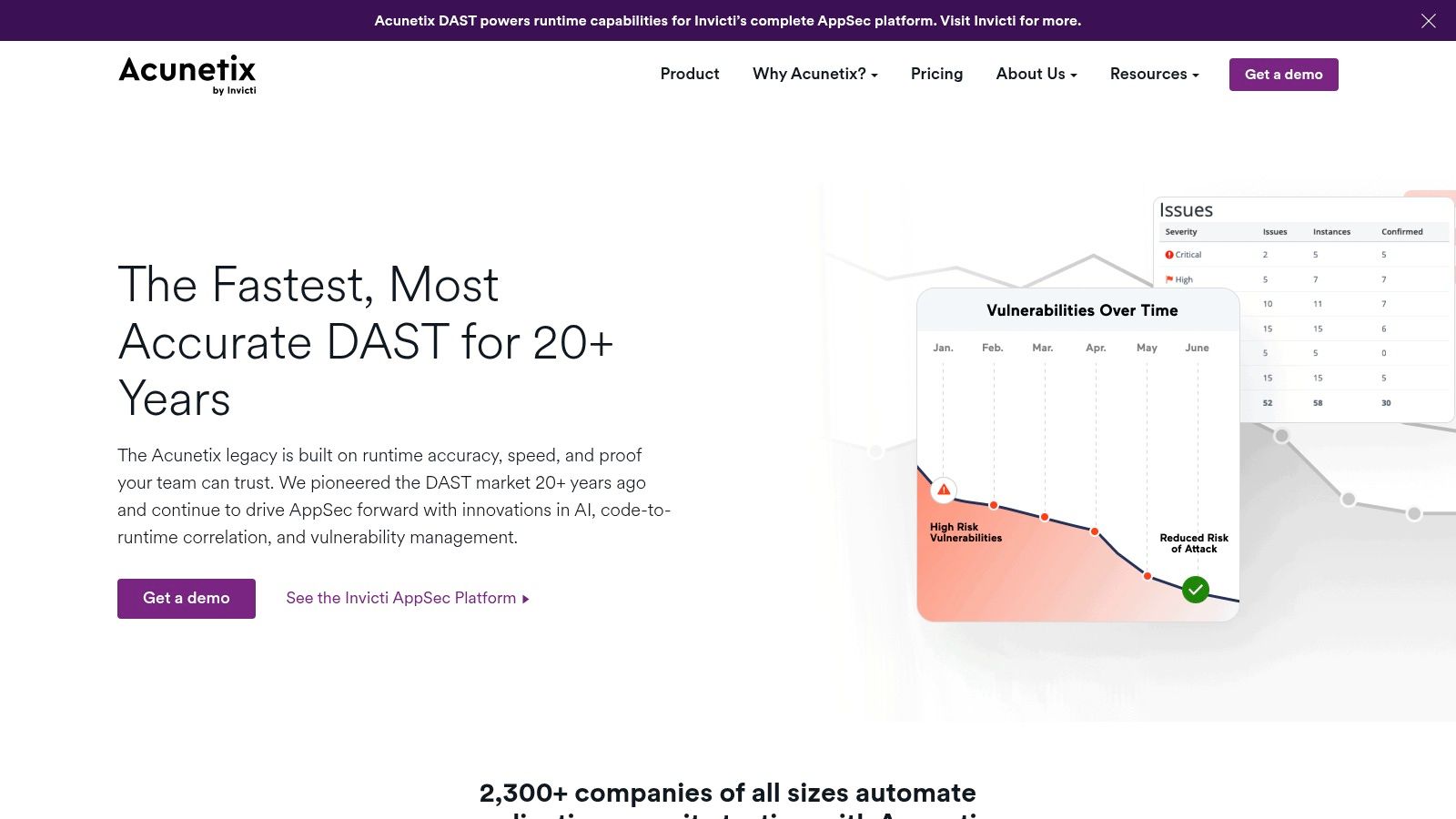
Acunetix is a web app scanner first. That focus matters. Too many teams try to stretch infrastructure scanners into application testing and end up with shallow results, false confidence, or both.
If you own customer-facing sites, portals, or APIs, Acunetix is one of the more practical automated options. It's built for modern web applications and developer workflows, not just old-style perimeter checks.
Where Acunetix Helps Most
This tool is useful when your biggest risk sits in applications, not servers. Its proof-oriented approach helps reduce some of the scanner noise that wastes developer time.
That said, no DAST tool understands business logic the way a human tester does. If the application matters to revenue, trust, or compliance, pair automation with pentesting for web applications.
- Best use case: Web app and API-heavy environments
- Strong point: Better app focus than general network scanners
- Weak point: It won't cover infrastructure the way Nessus, Qualys, or Rapid7 can
Greenbone OpenVAS Review
Your budget gets cut, but leadership still expects weekly vulnerability reports. That is the kind of situation where OpenVAS earns a serious look.
Greenbone OpenVAS is a practical pick for small IT teams that need broad vulnerability scanning without paying enterprise pricing. I recommend it when the team has Linux skills, time to tune scans, and realistic expectations about reporting and upkeep.
The tradeoff is simple. You save money, but you spend more effort on setup, maintenance, and troubleshooting.
Good Fit for Cost-Conscious Teams With Technical Depth
Open-source scanners can cover a lot of ground, but they rarely give you the polished workflow, support, and reporting you get from commercial products. OpenVAS works best when your staff can manage feeds, tune performance, and sort through findings without much hand-holding.
That makes it a strong starter option, not a complete security program.
Greenbone positions its Community Edition as the open-source path for vulnerability management, while reserving more packaged capabilities for its commercial platform, as shown on the Greenbone Community Edition overview. That lines up with real-world use. OpenVAS can lower your tooling cost, but it shifts more operational work back to your team.
One more point matters here. OpenVAS will find known issues. It will not tell you how an attacker would chain small weaknesses together, abuse weak internal trust, or reach sensitive systems through paths the scanner does not understand. If the goal is actual risk reduction, use OpenVAS for coverage and follow it with targeted manual testing. That is the faster, cheaper way to close the gaps scanners always leave behind.
Choose OpenVAS if price matters and your team can run it well. Skip it if you need executive-ready reporting, fast onboarding, or proof that a human has tested the real attack paths.
ManageEngine Vulnerability Manager Plus Review
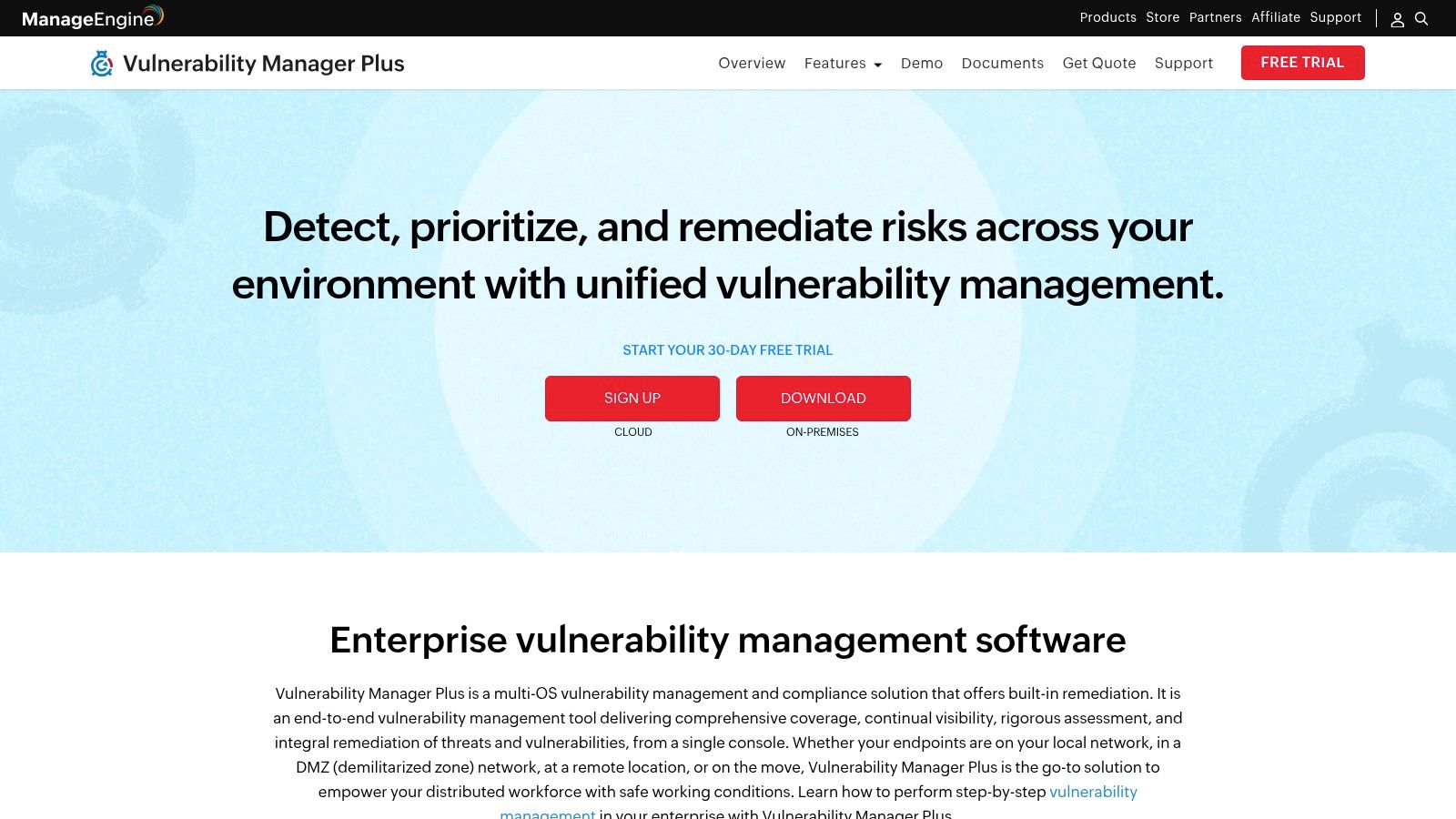
It is 9 a.m., patching is behind, and the same small IT team owns endpoints, servers, and vulnerability cleanup. ManageEngine Vulnerability Manager Plus is built for that kind of shop. It puts discovery, prioritization, patching, and hardening in one place so your team can spend less time juggling tools and more time closing tickets.
That is its value. Speed and operational control.
ManageEngine makes sense for SMBs that need one console for vulnerability work and basic remediation, especially when security is not a standalone function. You get a practical workflow instead of a heavyweight program that takes months to tune. For a busy IT manager, that matters more than having every advanced feature on paper.
Why SMBs Often Prefer It
Smaller organizations usually do not need another platform that creates more review work. They need a product staff can deploy quickly, understand without heavy training, and use to push fixes across common systems. ManageEngine fits that need well because it stays close to day-to-day IT operations.
It is also priced and positioned for teams that want to keep work in-house without buying an enterprise VM stack they will never fully use. ManageEngine's own Vulnerability Manager Plus product page reflects that focus on patching, misconfiguration fixes, and endpoint hardening inside a single tool.
Use it if your main problem is backlog and you want faster remediation across standard IT assets. Do not expect it to replace deeper security testing.
- Best use case: Lean IT teams that need vulnerability scanning tied closely to patching and hardening
- Strong point: One console for findings, remediation, and endpoint-focused operations
- Weak point: Limited depth for complex application testing, attack-chain validation, and higher-end security analysis
That last point matters. ManageEngine can help you clean up known issues faster, but scanners still miss business-logic flaws, privilege abuse paths, and the small configuration mistakes attackers chain together. If you want real assurance, use this kind of platform for coverage, then add fast manual pentesting to verify what an attacker can do. That is the practical way to cut risk without paying for a slow, bloated testing program.
Top 10 Vulnerability Scanners: Feature Comparison
| Product | Core features ✨ | Quality / UX ★ | Value & Pricing 💰 | Target audience 👥 | Key strengths 🏆 |
|---|---|---|---|---|---|
| Tenable Nessus | ✨ Extensive plugin library, credentialed scans, compliance templates, basic web‑app (Expert) | ★★★★, mature, frequent updates | 💰 Affordable per‑seat; standalone scanner | 👥 SMBs, auditors, pentesters | 🏆 Widely recognized; audit‑friendly |
| Tenable Vulnerability Management | ✨ Cloud console, agent + scanner options, dashboards, compliance content | ★★★★, continuous visibility, easy scaling | 💰 Subscription, asset‑tiered pricing | 👥 Teams needing central VM & scaling | 🏆 Scalable cloud VM with Nessus research |
| Rapid7 InsightVM | ✨ Agent/agentless discovery, risk‑based scoring, remediation projects | ★★★★, practical dashboards & workflows | 💰 Mid‑range; asset/modules pricing (gated) | 👥 SMB/SME security & ops teams | 🏆 Strong remediation & ticketing workflows |
| Qualys VMDR (TruRisk) | ✨ VM, asset inventory, TruRisk scoring, patch orchestration, cloud agents | ★★★★★, enterprise‑grade, highly scalable | 💰 Quote‑based enterprise pricing | 👥 Large orgs, hybrid/cloud fleets | 🏆 Scalability + unlimited virtual scanners |
| Microsoft Defender VM | ✨ Real‑time exposure, inventory, remediation tied to Defender stack | ★★★★, best in MS‑centric environments | 💰 Cost‑effective with Microsoft E5 bundles | 👥 Windows / M365‑heavy orgs | 🏆 Native MS integration, low friction |
| CrowdStrike Falcon Spotlight | ✨ Agent‑driven continuous visibility, CVE KB, automation integrations | ★★★★, near real‑time, low overhead | 💰 Quote‑based; bundled with Falcon | 👥 Existing Falcon customers, enterprises | 🏆 Real‑time visibility + TI integration |
| Amazon Inspector | ✨ EC2/ECR/Lambda scans, IaC/SAST, SBOM, AWS event integration | ★★★★, AWS‑native, transparent ops | 💰 Usage‑based, pay‑as‑you‑go | 👥 AWS‑first teams, cloud‑native apps | 🏆 Deep AWS integration & granular pricing |
| Acunetix (Invicti) | ✨ Automated DAST for SPA/APIs, proof‑of‑exploit, AcuSensor, CI/CD integrations | ★★★★, web‑app focused, low false positives | 💰 Licensed by targets (FQDNs) | 👥 Web‑app heavy SMBs & dev teams | 🏆 High signal‑to‑noise for web bugs |
| Greenbone / OpenVAS | ✨ OpenVAS engine, community & enterprise feeds, GMP API, multiple deploys | ★★★, community grade; needs tuning | 💰 Free Community Edition; paid support options | 👥 Budget‑conscious teams, starters | 🏆 $0 entry point; extensible stack |
| ManageEngine Vulnerability Manager Plus | ✨ Agent scanning, built‑in patching, config hardening, remediation tasks | ★★★, pragmatic UI for IT ops | 💰 Affordable entry tiers; transparent pricing | 👥 SMB IT/security teams wanting patching | 🏆 Combines scanning + patching to reduce MTTR |
Build Your Complete Security Testing Strategy
Use vulnerability scanning tools for what they're good at. They give you regular automated checkups, broad coverage across known issues, and a repeatable way to spot weak systems before someone else does. That alone makes them worth having.
But don't confuse scanner output with real risk.
That gap is one of the most overlooked problems in security buying. Public guidance often explains how scanners identify known flaws, open ports, misconfigurations, and compliance gaps, but it usually stops short of the actual operational question. Which findings should your team trust immediately, and which ones need manual validation, a pen test, a pentest, or deeper penetration testing before you spend time fixing the wrong thing? That blind spot is laid out clearly in Rippling's discussion of vulnerability scanning and validation.
For busy teams, the answer is simple. Use scanners to find likely problems at scale. Use people to prove what matters.
That second step is where a lot of traditional firms disappoint. They drag out scoping, charge too much, and return a report weeks later with a thin list of findings that doesn't help you improve. If that's been your experience, the issue isn't penetration testing itself. The issue is buying the wrong kind of penetration test.
A good manual test should do three things. It should validate whether scanner findings are exploitable. It should uncover issues automation misses, especially in web apps, authentication flows, access control, and chained attack paths. It should also give you a report fast enough that you can still act on it while the work is fresh.
That matters for compliance too. SOC 2, PCI DSS, HIPAA, and ISO 27001 teams often need more than a list of automated findings. They need evidence that a qualified human reviewed risk in a way that reflects real attacker behavior, not just database matching and severity labels. Scanners help with continuous visibility. Manual testing helps with defensible validation.
The best strategy for most organizations is a simple two-part model:
- Run automated scans regularly: Cover networks, endpoints, hosts, cloud assets, and apps based on your environment
- Use manual pentesting to validate risk: Focus on external exposure, critical applications, and high-impact attack paths
- Keep reports actionable: Prioritize clear findings, proof, remediation guidance, and turnaround that doesn't stall your team
- Buy for fit, not brand alone: The best tool is the one that matches your assets and keeps pace with change
If you want the blunt recommendation, here it is. Pick one solid scanner for infrastructure, one for applications if apps matter to your business, and stop expecting automation to answer every security question. Then back it up with affordable, fast penetration testing from certified professionals who can tell you what's exploitable and what's just noise.
If you need more than scanner screenshots and generic severity scores, Affordable Pentesting is the next step. Their team provides affordable penetration testing and compliance support for SOC 2, PCI DSS, HIPAA, ISO 27001, and more, with certified pentesters including OSCP, CEH, and CREST professionals. If you want a fast, practical pen test and a clear report within a week, use their contact form and get a scope that fits your environment and budget.