.svg)
You’re probably here for one of two reasons. You need to pass an audit fast, or you know your app has real exposure and you’re tired of wasting time on shiny dashboards that dump noise on your team. That’s the right instinct. A lot of application security testing tools promise coverage, but many founders and lean security teams end up paying for features they don’t use while still needing a real pentest, pen test, or penetration testing report to satisfy customers and auditors.
The market is crowded, and it’s getting more crowded. The application security testing market is projected to grow from USD 1.83 billion in 2025 to USD 7.60 billion by 2031 at a 26.7% CAGR. Growth doesn’t make selection easier. It usually makes it worse because every vendor starts sounding the same.
Here’s the blunt version. Tools are good at scale, repeatability, and catching obvious issues early. Human testers are better at finding broken business logic, auth flaws, chained attacks, and the stuff that gets you breached or fails a customer security review. If you’re building with sane software development practices, the fastest path is usually a mix of lightweight automation plus a real penetration test from certified people who know how to validate findings.
One more thing before the list. Alert noise is a real problem. OX Security’s 2025 benchmark found organizations average 569,354 security alerts, which context-based prioritization reduced to 11,836 actionable alerts, with only 202 marked critical. That’s why you should stop asking which tool has the most checks and start asking which option gets you to fixable, audit-ready findings fastest.
Affordable Pentesting
You have an audit date on the calendar, a customer asking for a pentest report, and no time for a six-week enterprise sales cycle. For a startup or SMB, that usually rules out most application security testing vendors right away. Affordable Pentesting is one of the few options built for teams that need real testing, a usable report, and a price that does not wreck the quarter.

The value here is simple. You are buying human validation, not another dashboard full of alerts your team has to sort later. That matters if your app has authentication, roles, payment flows, sensitive data, or any workflow where business logic bugs can slip past automated scanners.
Why it works for smaller teams
Affordable Pentesting gives you two lanes. The first is a fast AI-assisted assessment for broad coverage and quick turnaround. The second is a manual penetration test performed by certified testers for web apps, APIs, cloud environments, internal networks, and external attack surface.
For founders and lean engineering teams, the manual option is usually the one that matters most. It is the one you use to satisfy a customer questionnaire, support SOC 2 or ISO 27001 evidence, and find the ugly issues that scanners miss, such as broken authorization, risky privilege paths, and chained attack scenarios.
Pricing is another reason this stands out. Automated assessments start at $500 for up to 50 assets with results in about a day. Manual tests commonly start around $2,000 to $3,000 for standard scopes, with a free remediation retest within 90 days. That is the kind of structure smaller teams can use.
Direct recommendation: If the app is in production and users can log in, get a manual penetration test. Use automation to widen coverage, not to replace a human tester.
Best fit and tradeoffs
This service fits teams that need proof fast and cannot afford enterprise shelfware. It is a strong choice for companies dealing with SOC 2, HIPAA, PCI DSS, ISO 27001, NIST, or GDPR requirements, especially when the primary goal is passing review and fixing the issues that would fail one.
The tradeoff is straightforward. The AI-assisted option is faster and cheaper, but it will not match a hands-on manual assessment for depth. Manual testing costs more, but it is the better use of budget when your risk sits in authenticated areas, role boundaries, API abuse cases, and business logic.
What stands out in practice:
- Fast turnaround: Useful when an auditor, prospect, or security review is blocking revenue.
- Clear scope and readable reports: Engineers can act on findings without decoding consultant jargon.
- Predictable pricing: Smaller teams can budget for it without sitting through a bloated procurement process.
- Retest included: You can fix issues and get updated evidence before the audit window closes.
If you want to see what a real web assessment covers, this guide on application penetration testing is a good starting point.
For SMBs and startups, that is the filter I would use across this whole category. Buy tools for continuous checks. Buy pentesting when you need confidence, audit evidence, and findings that reflect how your app can be broken.
GitHub Advanced Security
GitHub Advanced Security makes sense if your code already lives in GitHub and you want security checks inside the workflow your developers already use. That’s its real advantage. Less friction means better odds your team will use it.
You get CodeQL-based code scanning, secret scanning, push protection, and support for third-party findings through SARIF. If your team lives in pull requests all day, GHAS keeps security close to the work instead of shoving it into a separate portal nobody checks.
Where GHAS fits
This is a developer workflow product first. That’s good if you want faster feedback on commits, pull requests, and leaked credentials before they hit the repo history. It’s less useful if your org uses another source control platform or if your main need is a customer-facing penetration test report.
Here’s the practical fit:
- Best for GitHub-native teams: Security checks stay inside the repo and PR process.
- Good for secrets hygiene: Push protection helps stop obvious credential mistakes before they spread.
- Useful for code review: Developers can fix issues where they already work.
The catch is simple. It still needs tuning, triage, and ownership. If your team is small, even a good built-in scanner can turn into another stream of alerts to manage.
Use GitHub Advanced Security if your engineering team is already standardized on GitHub and you want to shift security checks earlier without buying a separate code scanning stack. Don’t confuse that with a replacement for pen testing. It isn’t.
OWASP ZAP
OWASP ZAP is the best free starting point in this entire list. If your budget is tight and you need a baseline DAST tool for a web app or API, ZAP is the obvious choice.
It gives you active and passive scanning, automation support, API scanning, Docker images, and CI integrations. For startups, that matters. You can get useful coverage without signing a contract or waiting for procurement.
What ZAP does well
ZAP is good for recurring smoke tests and external checks against running apps. It’s especially useful when you want something your team can script into CI for fast feedback on obvious issues.
Use ZAP to catch low-hanging fruit early. Use a human pentest to find the flaws scanners miss.
It’s also aligned with the kind of risks smaller teams usually care about first, like injection issues, weak headers, session problems, and exposed endpoints. If your team needs a quick refresher on common web risks, review the OWASP Top 10 basics.
Where it struggles
Authentication is the usual pain point. Complex single-page apps, custom login flows, and weird state handling take work to configure. If nobody on your team owns that setup, ZAP can end up running shallow scans that create false confidence.
Keep it simple:
- Use it for baseline DAST: Great for web apps and APIs you can reach and crawl.
- Automate what’s stable: CI checks work best on repeatable flows.
- Don’t expect business logic coverage: Scanners won’t understand your app like a tester will.
For cash-strapped teams, OWASP ZAP is still one of the best application security testing tools because it costs nothing to start and gives you real signal if you configure it properly.
Burp Suite
Burp Suite is the standard toolkit for serious web app testers. If you’ve hired anyone competent to do a penetration test, there’s a very good chance they use Burp every day.
That matters because Burp isn’t just a scanner. It’s a workbench for manual testing. The proxy, repeater, intruder, scanner, and extension ecosystem make it strong where pure automation falls apart.
Why Burp stays relevant
Burp is best when a human is driving. That’s how testers find auth bypasses, insecure workflows, weak access controls, and edge-case input handling. It also has an enterprise DAST product, but its primary value for most SMBs is still the manual and semi-automated side.
If your internal team has AppSec talent, Burp is a great purchase. If you don’t, buying Burp won’t magically create a pentester on staff.
A few direct takeaways:
- Best for manual web testing: Burp excels here.
- Excellent extension ecosystem: The BApp Store adds flexibility.
- Strong training ecosystem: PortSwigger’s education resources are quite useful.
The downside is practical, not technical. Pricing and licensing paths can be less straightforward than self-serve SMB buyers want, and using Burp well takes experience. That’s why many startups get more value from hiring a firm whose testers already know it cold.
Use Burp Suite if you have in-house security skill or if your consultants already standardize on it. Otherwise, treat it as a professional tool, not a shortcut.
Invicti
Your scanner says you have 200 issues. Your dev lead says half are junk. Your auditor still wants evidence. That is the problem Invicti is built to solve.
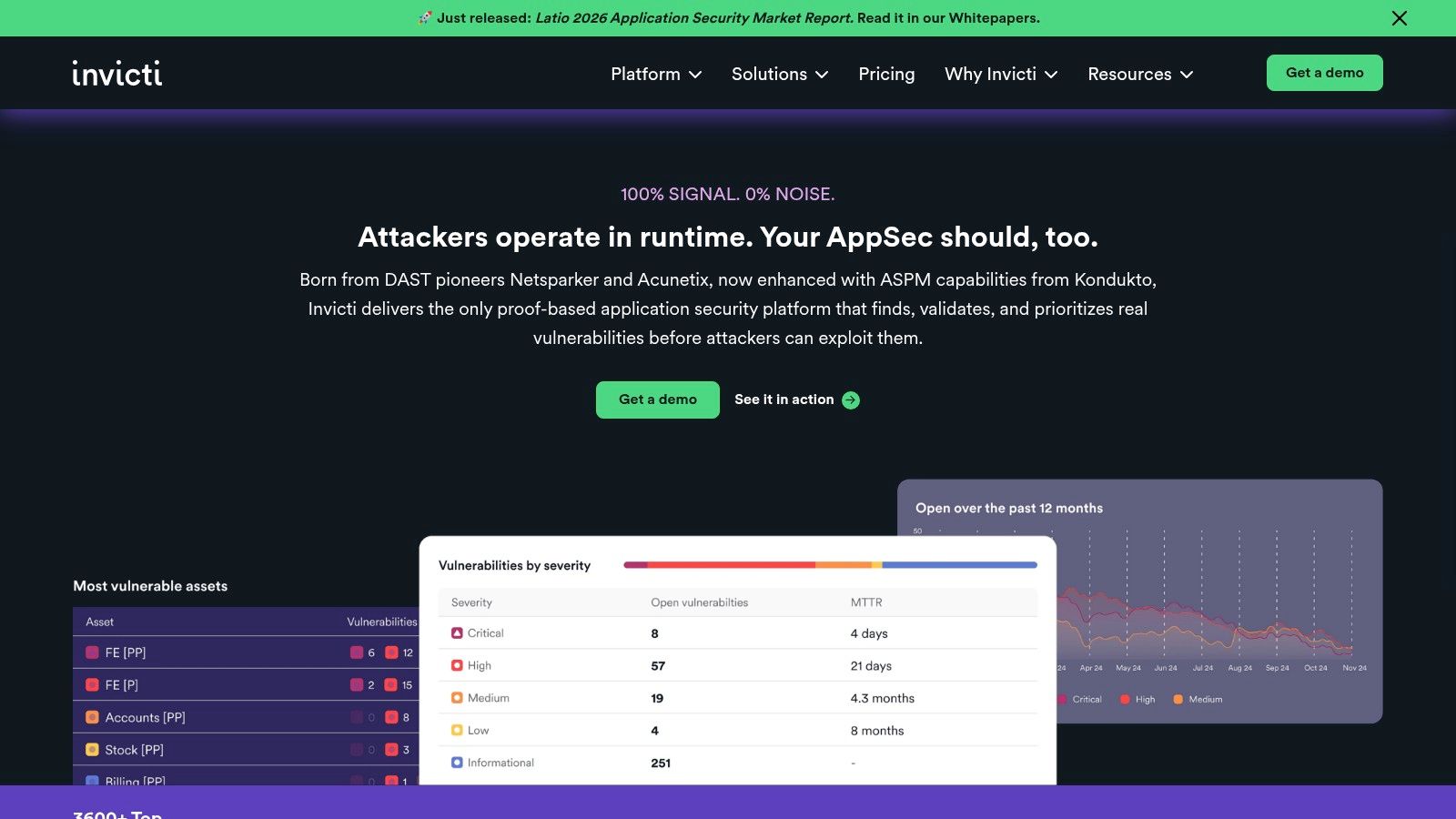
Invicti’s main selling point is proof-based scanning. It tries to confirm that a finding is exploitable before handing it to your team. For a company getting buried in noisy DAST results, that matters more than a flashy feature list.
This tool makes the most sense for teams with a growing app portfolio, regular release cycles, and enough scan volume to justify a dedicated platform. It is a stronger fit for scale-ups than early startups. If you have one core product and need an audit-ready assessment fast, a manual pentest is usually the better buy.
Invicti has also been pushing toward platform consolidation. The company announced a unified platform scheduled for release in July 2025, combining DAST, API security, SCA, ASPM, and AI-assisted workflows. The direction makes sense. Small teams do not need five separate security dashboards.
Here is the catch.
Invicti still depends on good setup. If authentication is brittle, user roles are not configured correctly, or the crawler misses business logic, your results will still be incomplete. And because pricing is quote-based, founders should assume this sits closer to enterprise tooling than budget-friendly startup tooling.
Use Invicti if false positives are slowing your team down and you need DAST that does more validation work for you. Skip it if your immediate goal is simple. Pass a compliance review, find real risk quickly, and stay under budget. In that case, manual penetration testing will usually get you there faster and cheaper.
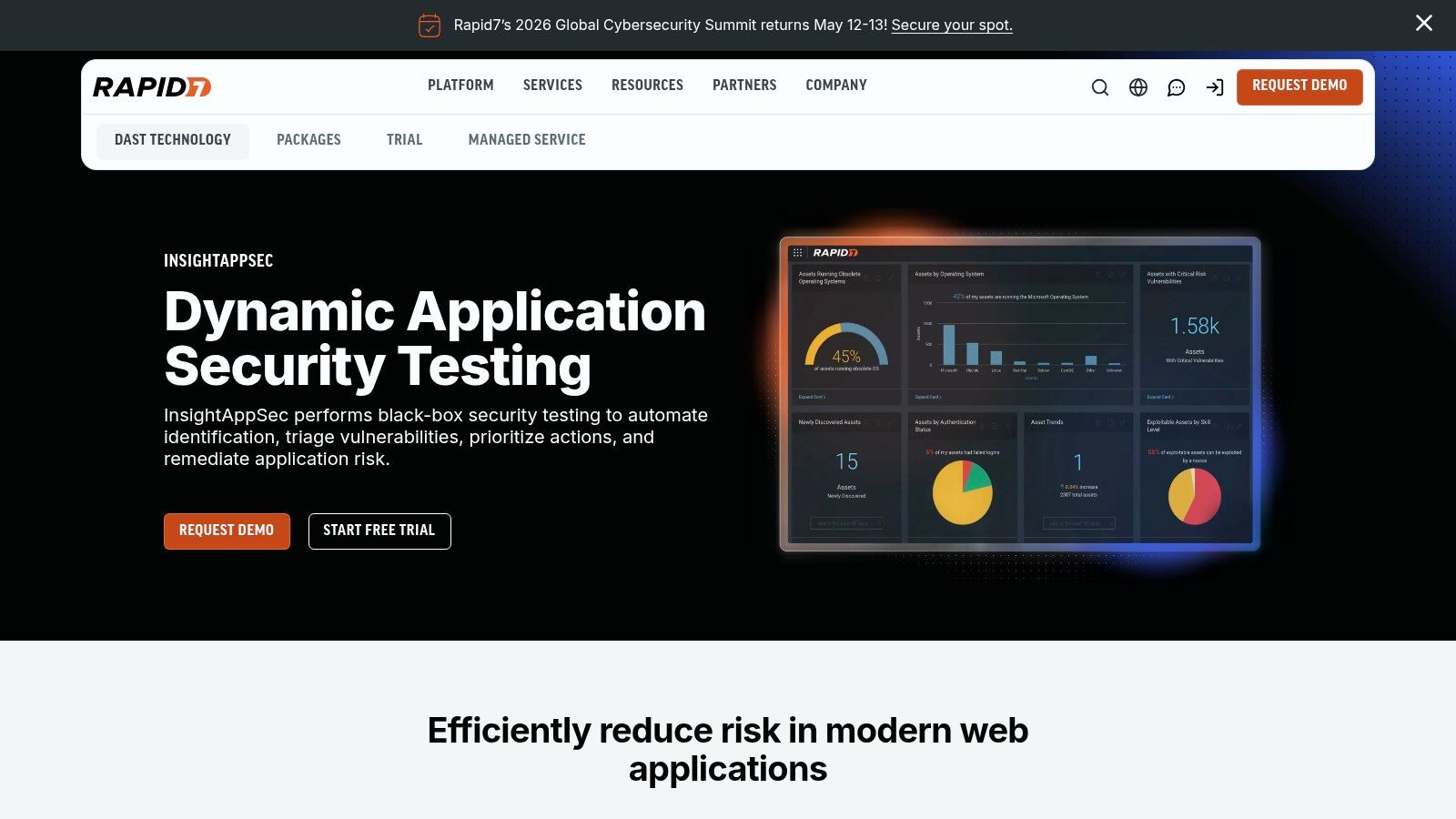
Rapid7 InsightAppSec
Rapid7 InsightAppSec is one of the easier commercial DAST products to understand and onboard. That alone makes it appealing for smaller teams that want a SaaS scanner without a giant implementation project.
It focuses on modern web apps and APIs, supports cloud and on-prem scan engines, and includes attack replay so teams can validate findings and test fixes. The Universal Translator feature also helps with modern frameworks that don’t always play nicely with traditional crawlers.
Why teams like it
The product is straightforward. You can get started quickly, and the documentation is generally solid. For an SMB that wants more support and polish than open source gives, that can be enough reason to buy.
It also has a practical buying model compared with some quote-only enterprise tools. That transparency helps teams that need to justify spend quickly.
Where caution is needed
DAST is still DAST. Complex authentication and application flows still need tuning. Also, if you have lots of microservices and APIs, pricing by application can become expensive faster than expected.
Here’s the clean recommendation:
- Choose it for easy SaaS DAST: Good for teams that want commercial support without too much complexity.
- Use attack replay well: It helps prove fixes instead of just rescanning blindly.
- Count your apps carefully: API sprawl can change the cost picture.
Use Rapid7 InsightAppSec if you want a commercial scanner that’s easier to adopt than heavier enterprise platforms. Don’t expect it to replace a real penetration test for audit evidence or deep validation.
Snyk
Snyk is the developer-first pick. If your team wants one place to scan code, open source packages, containers, and infrastructure as code, Snyk is a strong option.
It’s built to plug into IDEs, source control, CI, and ticketing systems. That’s why developers tend to tolerate it better than old-school security tools that live in a separate universe.
Best fit for Snyk
Use Snyk when your biggest problem is dependency risk and developer workflow, not audit-ready external validation. It’s especially useful for teams with modern cloud stacks and lots of third-party packages.
That maps well to current SMB buying behavior. SMEs account for 36% of the global AST tools market, and 52% of SME adoption is cloud-based, while 35% of potential adopters are held back by implementation cost and limited awareness. Snyk’s cloud delivery model fits that reality better than heavier on-prem software.
Limits you should know
Its DAST capability is not the core product. It’s an add-on, which means Snyk is strongest when you want developer-centric scanning across code and dependencies, not when you need a single deep web app testing platform.
If you’re trying to decide where automation helps, this guide on security testing automation gives the practical tradeoffs.
Use Snyk when developers need a security tool they won’t fight. If you need a client-facing pentest report next week, that’s a different purchase.
Veracode
Veracode is a mature cloud AppSec platform built for governance-heavy programs. Large regulated organizations like it because it combines scanning types with policy management and advisory support.
You can get binary SAST, cloud DAST, SCA, and other services in one umbrella. That’s useful when central reporting matters more than buying the cheapest point solution.
When Veracode makes sense
This tool is for organizations that already think in terms of security programs, not just tests. If you have multiple teams, formal policies, and recurring internal reviews, Veracode can help standardize things.
For a startup founder under audit pressure, though, this can be more platform than problem-solver. You may end up paying for governance muscle before you’ve solved the immediate need for validated findings.
To understand it better, consider this:
- Strong for centralized reporting: Good for policy-driven environments.
- Useful advisory model: Helpful if your teams need remediation support.
- Less ideal for small budgets: The buying motion is usually enterprise-oriented.
Use Veracode if you’re building a broader AppSec program across several products or business units. For one app and one deadline, manual penetration testing is usually the cleaner answer.
Checkmarx One
Checkmarx One is built for breadth. It aims to cover SAST, SCA, DAST, API security, and ASPM in one platform. If consolidation is your main goal, that’s the pitch.
That broad coverage can help bigger teams reduce tool sprawl. It can also create onboarding work if you only need one or two capabilities right now.
What stands out
Checkmarx has been leaning into AI-assisted workflows and broader portfolio visibility. That matters in larger environments where security teams need to prioritize across many codebases and APIs, not just scan one app.
The bigger AST market is moving this way. The source cited earlier notes that standalone solutions still dominated in 2025, even as teams struggled with fragmented SAST, DAST, and SCA toolsets and the policy headaches that come with them. Checkmarx fits the “buy one broader platform” response to that problem.
My recommendation
For SMBs, only buy Checkmarx One if you know you need multiple testing modes under one vendor and you have staff to run it properly. Otherwise, you risk buying platform breadth when what you needed was one manual penetration test and a smaller scanner footprint.
Use Checkmarx One if consolidation is a real pain point in your environment. Skip it if you’re still trying to solve immediate compliance or release pressure with minimal overhead.
OpenText Fortify on Demand
Fortify on Demand is the service-led option in this list. It combines multiple testing types with managed delivery, which can reduce the burden on internal teams.
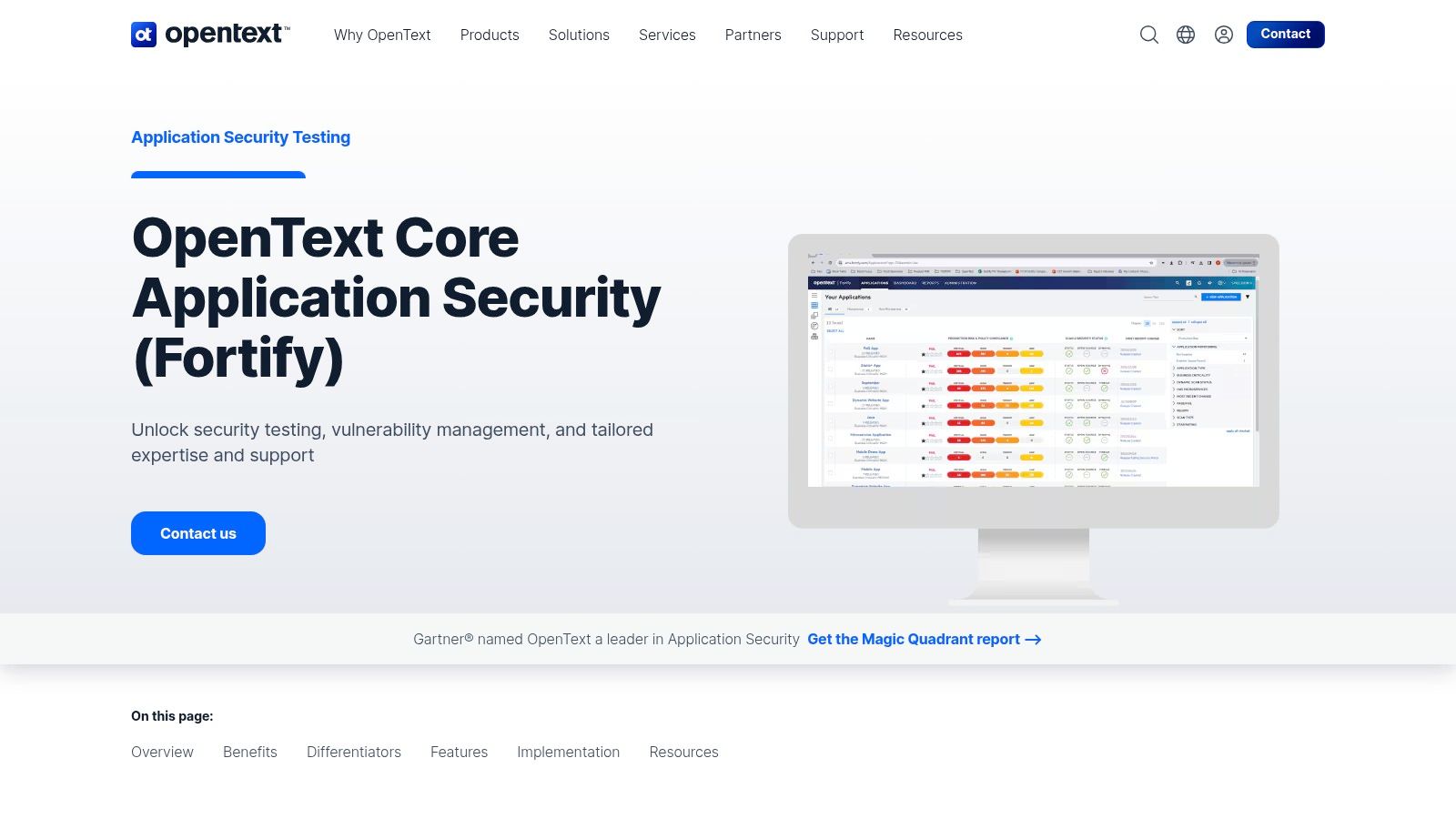
That model works well for enterprise and regulated environments that want standards mapping, managed onboarding, and support playbooks. It’s less appealing if you want self-serve speed and startup-friendly pricing.
Good fit and bad fit
Fortify on Demand is good when your internal team is stretched and you want a vendor to carry more of the operational load. It also helps when procurement and audit teams prefer recognizable enterprise vendors with formal service structure.
It’s a weaker fit when speed, price clarity, and lightweight execution matter most. Small teams often find service-heavy models slower and heavier than they need.
Here’s the direct call:
- Good for regulated enterprises: Especially when managed service matters.
- Less ideal for startups: The model can feel too heavy for small teams.
- Useful if staffing is thin: Vendor support can offset internal gaps.
Use OpenText Fortify on Demand if you want managed AppSec services from an enterprise vendor. If your priority is affordable, fast penetration testing with direct access to certified testers, there are leaner options.
Top 10 Application Security Testing Tools Comparison
| Product | Core features ✨ | Quality / UX ★ | Pricing & value 💰 | Target audience 👥 | Key USPs 🏆 |
|---|---|---|---|---|---|
| 🏆 Affordable Pentesting | Certified human pentesters + AI scans; manual, automated & PTaaS; audit‑ready reports | ★★★★☆ Clear, actionable reports; fast turnaround; human‑verified AI | 💰 AI from $500/50 assets; manual ~$2K–$3K (scope‑based); transparent | 👥 Startups, SMBs, regulated teams (SOC2/PCI/HIPAA/ISO) | 🏆 Flat‑rate quotes, instant quoting, audit‑ready results, free 90‑day retest |
| GitHub Advanced Security (GHAS) | CodeQL SAST, secret scanning, supply‑chain features, AI Autofix | ★★★★☆ Native GitHub UX; PR/CI integration | 💰 Per‑committer pricing; modular add‑ons | 👥 Dev teams hosting on GitHub | Tight SCM integration and developer workflow friction reduction |
| OWASP ZAP | DAST: active/passive scanning, modern crawler, API scanning, add‑ons | ★★★☆☆ Free, CI‑friendly; needs auth/config tuning | 💰 Free (open‑source) | 👥 SMBs, startups, CI/CD pipelines | Large community, extensible marketplace and plugins |
| Burp Suite | Intercepting proxy, scanner, repeater, intruder; rich manual tools & extensions | ★★★★★ De‑facto pentester standard; powerful manual workflow | 💰 Pro paid; enterprise DAST via quotes | 👥 Pentesters and security engineering teams | Extensive extension ecosystem and manual testing depth |
| Invicti | Proof‑Based DAST, optional IAST (AcuSensor), broad integrations & API | ★★★★☆ Verified findings reduce false positives | 💰 Quote‑based; can be premium at scale | 👥 Enterprises needing accurate DAST with low noise | Auto‑verification of exploitable issues and flexible deployments |
| Rapid7 InsightAppSec | Cloud DAST, 95+ attack types, attack replay, CI/CD integrations | ★★★★☆ SaaS onboarding; predictable starter pricing | 💰 Public starting price (per app); scales with app count | 👥 SaaS teams, mid→enterprise orgs | Attack replay for validation and straightforward SaaS setup |
| Snyk | SAST, SCA, containers, IaC scanning; optional API/Web DAST add‑on | ★★★★☆ Developer‑first with strong IDE/SCM integrations | 💰 Free tier; clear SMB→enterprise plans | 👥 Dev teams practicing shift‑left security | Risk‑based prioritization and deep dev tool integrations |
| Veracode | Binary SAST, cloud DAST, SCA, consolidated governance reporting | ★★★★☆ Enterprise maturity with advisory support | 💰 Quote‑based, enterprise | 👥 Large/regulated organizations | Managed services, strong governance & remediation guidance |
| Checkmarx One | SAST, SCA, DAST, API security, ASPM; AI‑assisted workflows | ★★★★☆ Comprehensive coverage; requires enablement | 💰 Quote‑only (enterprise) | 👥 Enterprises seeking consolidated AppSec | Broad code‑to‑cloud coverage and AI remediation assistance |
| OpenText Fortify on Demand | Managed SAST/DAST/SCA/IAST/MAST, compliance mapping, support playbooks | ★★★★☆ Managed service model for regulated environments | 💰 Quote‑based enterprise | 👥 Regulated/federal and large enterprise buyers | Managed testing + compliance‑oriented reporting and playbooks |
Final Thoughts
Friday afternoon, a customer security questionnaire hits your inbox. They want proof that your app was tested by someone credible, not just a screenshot from a scanner. If your team is small and the audit clock is already ticking, that requirement narrows your options fast.
Start with the job you need done.
If you need developers to catch obvious mistakes earlier, pick a workflow tool like GitHub Advanced Security or Snyk. If you need low-cost baseline scanning for a web app, OWASP ZAP is the practical starting point. If you already have skilled appsec people doing hands-on testing, Burp Suite stays one of the best tools on the table.
Everything else depends on your operating reality. Invicti, Rapid7 InsightAppSec, Veracode, Checkmarx One, and Fortify on Demand can make sense for larger teams that need centralized policy, reporting, and broad scanner coverage. For many startups and SMBs, they also bring cost, setup work, and alert volume that the team cannot absorb this quarter.
That is the filter that matters. Buy for your bottleneck, not for a future security program you do not have yet.
For smaller companies under compliance pressure, the bottleneck usually is not access to another scanner. It is getting validated findings, clear remediation guidance, and an audit-ready report without dragging engineers into a long rollout. Automated tools help. Manual penetration testing closes the gap between raw alerts and evidence you can use with an auditor, prospect, or board.
So make the call based on timing.
Use GitHub Advanced Security or Snyk if you want security checks inside the development workflow. Use OWASP ZAP if you need a free way to catch basic web issues. Use Burp Suite if someone on your team knows how to drive it well. Look at the enterprise platforms if you have budget, internal appsec ownership, and a real need for governance across many applications.
If you need fast proof that your app was tested properly, book a manual pentest. That is usually the highest-value move for SOC 2, HIPAA, PCI DSS, ISO 27001, NIST, and customer due diligence.
For startups and SMBs, that is usually the smartest spend. Tools are useful when you have people and process to triage the output. If you do not, manual pentesting gives you faster answers, less noise, and a report people will take seriously.
If you need a fast, affordable pentest, pen test, or penetration testing report from certified testers, Affordable Pentesting is the first call I would make. Their team is built for startups, SMBs, and regulated companies that need audit-ready results without enterprise delays, bloated pricing, or shallow findings. Get scoped quickly and turn an open security question into a report you can act on.